 PlayYugi
 for Android
Android 10 or newer · Up-to-date Chrome recommended · Internet required
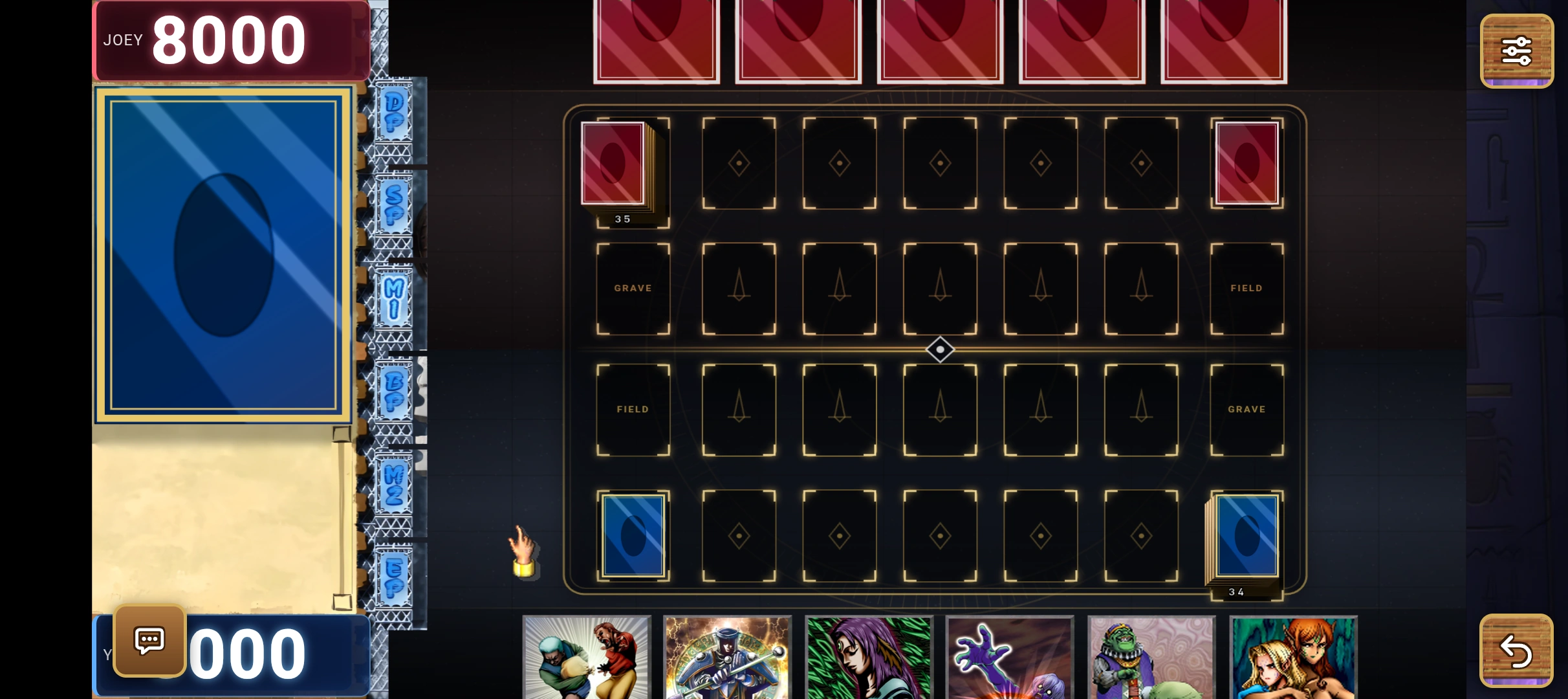
Install & play
- Download the APK and open it.
- If Android asks, allow your browser to install this app. You can turn that permission off afterwards.
- Open PlayYugi and turn your phone sideways.
Why does Android show an installation warning?
This APK is downloaded directly from playyugi.com, not Google Play. Android asks permission for apps installed from a browser. Do not disable Play Protect; only install downloads you trust.
Does it get game updates?
Yes. The app loads the live website, so game updates arrive when you reopen it. If an essential launcher update is needed, the app shows “Update required” before opening the game. Download and install the newer APK over this one. Android will still ask you to approve installation.
Will my saves and account work?
It uses your browser's PlayYugi storage. With Chrome, existing Chrome saves and login carry over. Another browser may have separate storage. Sign in to the same account to use server saves; a new browser does not transfer guest saves.
Can I close the app in the middle of a duel?
Finish your duel before closing the app. RESUME may be offered, but recovery is not guaranteed: force-closing the browser can lose an unfinished duel. Saved decks and account data are stored separately from duel progress.
Does it work offline?
No. An internet connection is required. The app downloads the game as you play rather than bundling game files in the APK.
What about iPhone?
Play in Safari today. Use Share → Add to Home Screen for a home-screen shortcut. This APK is Android only.